




Illustration of Sicily sitting at her desk with a laptop, surrounded by stars and design tools

Grab your laptop!

This portfolio is desktop-only for now.

BACK TO HOME

Bone Dry - Human designed, Claude built.

A bartending simulation game that teaches players how to create real recipes and measure their pours from behind the bar. Every character, bottle, and glass is illustrated by hand, then brought to life as a playable game with Claude Code.

PLAY THE GAME

How can we teach users to bartend using a game that simulates the high-pressure situation of a real shift?

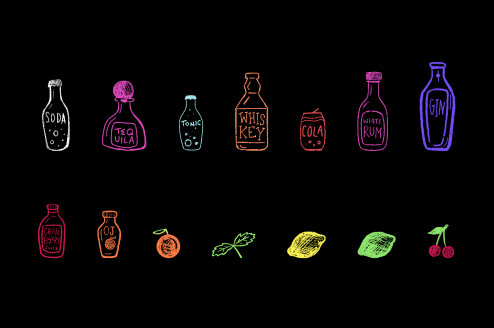
The game’s hand-drawn bottles lined up: soda water, tequila, tonic, whiskey, cola, white rum, gin, cranberry juice, orange juice, grenadine, triple sec, simple syrup and ginger beer

Designing for Learning


Before designing any screens, I researched how games can actually teach, and used my findings to design Bone Dry’s flow.

Gamification improves retention

A game that just shows the recipe once and moves on will teach much less than one that keeps quizzing the player on drinks they made three "shifts" ago.

Flow theory → Difficulty reacts to the player

A task too easy produces boredom, one too hard produces anxiety, and flow lives in the space between.

Bone Dry uses dynamic difficulty adjustment, a behind-the-scenes loop that runs for every order of the shift:

  1. Read the room. The game tracks pour accuracy, hesitation, hint use, and streaks, without ever showing the user a stress meter.
  2. Adjust the difficulty. Those signals change the order rate, number of orders at once, time per order, and drink complexity up or down in small steps. A bad run gives the player room to recover instead of punishing them.
  3. Player responds. The next order reflects that adjustment, and its outcome feeds the next decision. The bar reacts to the player instead of moving on a fixed timer.

Stress → Orders behave differently over time

As for stress: users can handle more stress when performing a task they’ve performed before, but need a calmer environment when performing a new or more complex task.

Design principle: A brand new drink opens with its recipe card right after the customer orders. A drink the player has made before keeps the recipe card tucked in the corner. They can open it once per order, but it costs them part of their tip.
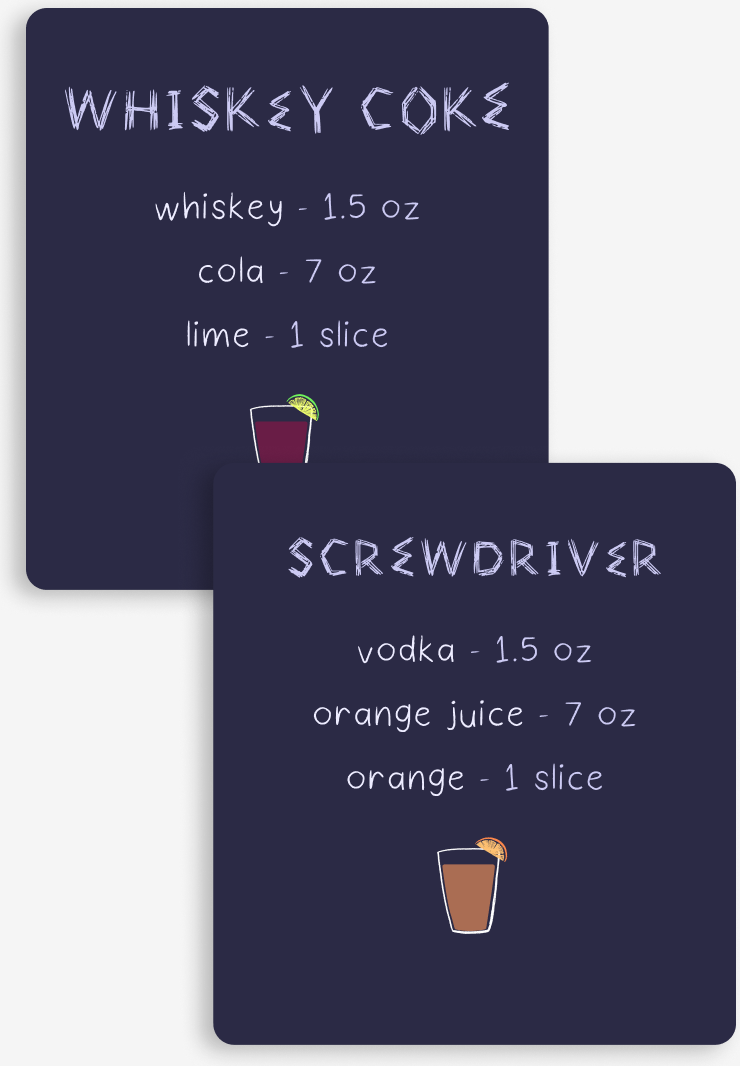
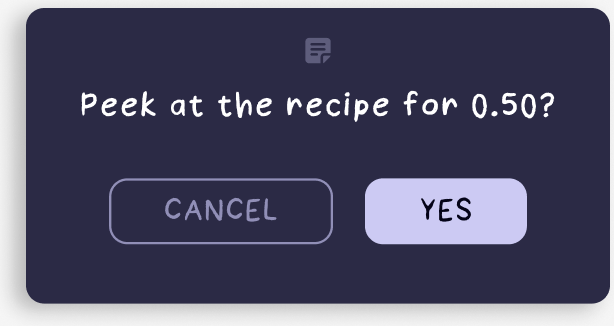
Two recipe cards from the game: Whiskey Coke (whiskey 1.5 oz, cola 7 oz, lime 1 slice) and Screwdriver (vodka 1.5 oz, orange juice 7 oz, orange 1 slice) In-game prompt: Peek at the recipe for 0.50? with Cancel and Yes buttons

Game logic

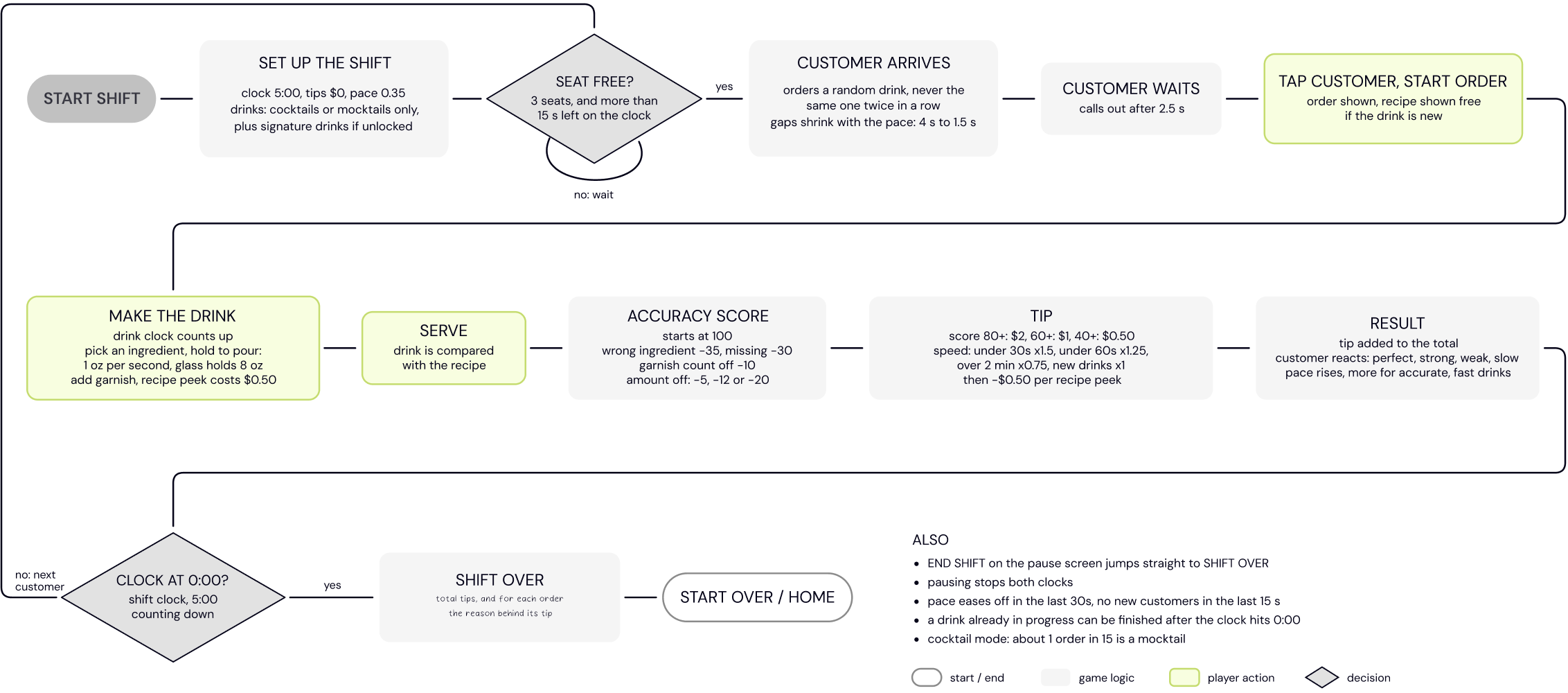
Flowchart of the game logic: start shift, set up the shift, seat free?, customer arrives, customer waits, tap customer to start the order, make the drink, serve, accuracy score, tip, result, then clock at 0:00? leading to shift over or the next customer

Every frame used in Bone Dry was drawn by hand in Procreate, and then imported into Figma, where I made the UI design decisions for each screen.

The screens were then transferred to Claude Code to bring the game to life using the Figma MCP.
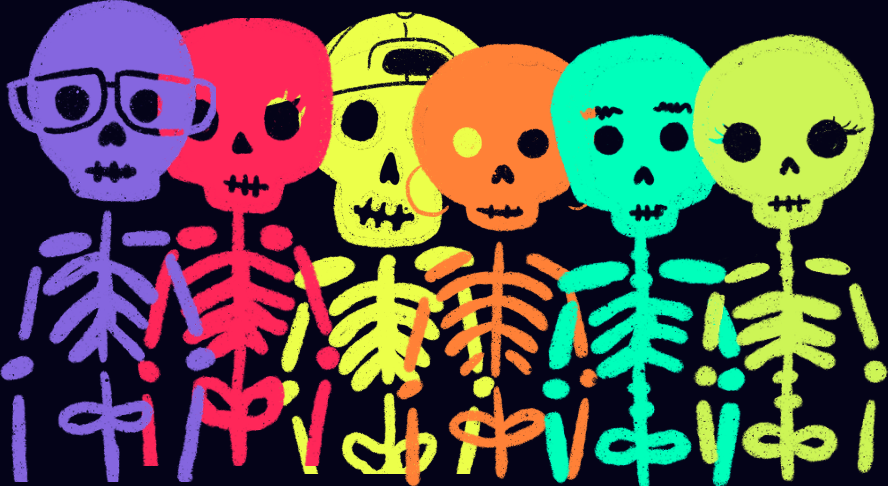
Six of the game’s skeleton customers in purple, red, yellow, orange, teal and green

Design round 1

Bartender POV - Order taking screen
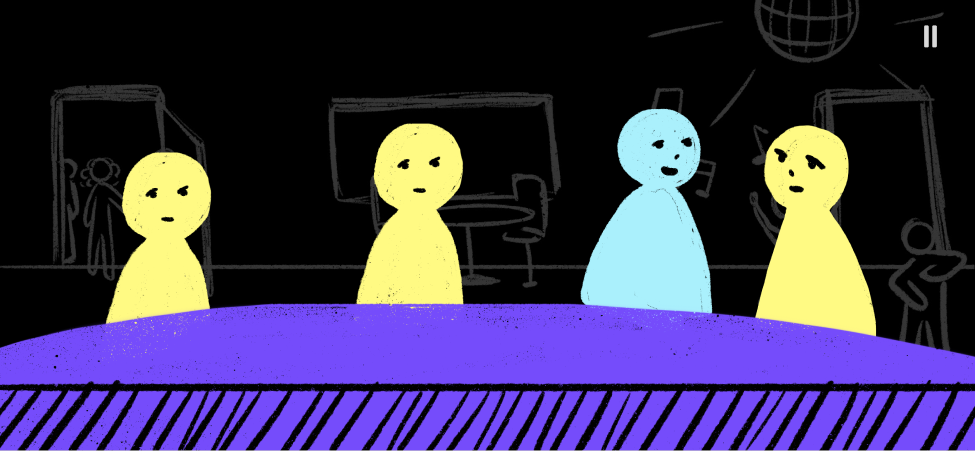
Round 1 order screen: four simple customers seated at the bar
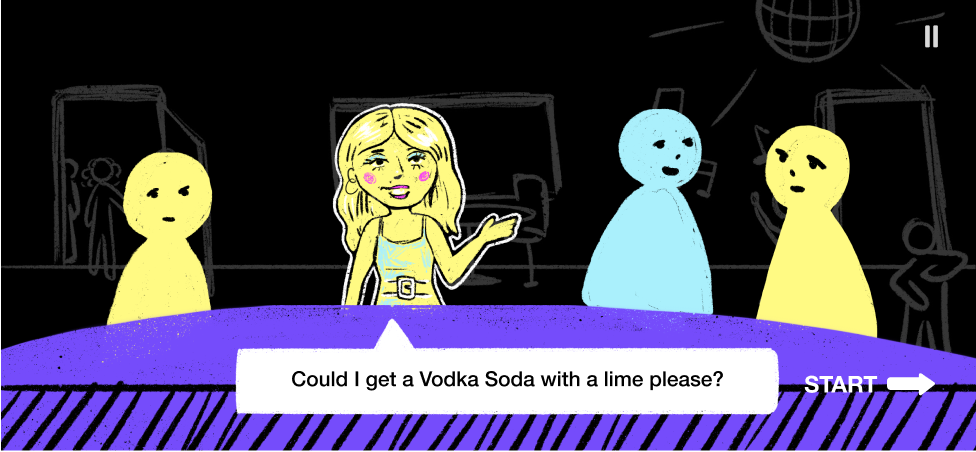
Round 1 order screen with one customer highlighted, asking for a vodka soda with a lime
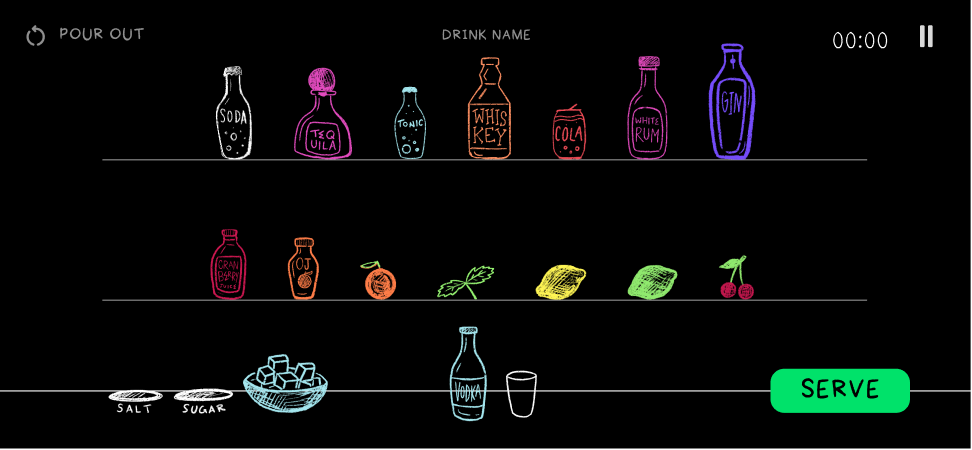
Bar screen - Choosing ingredients
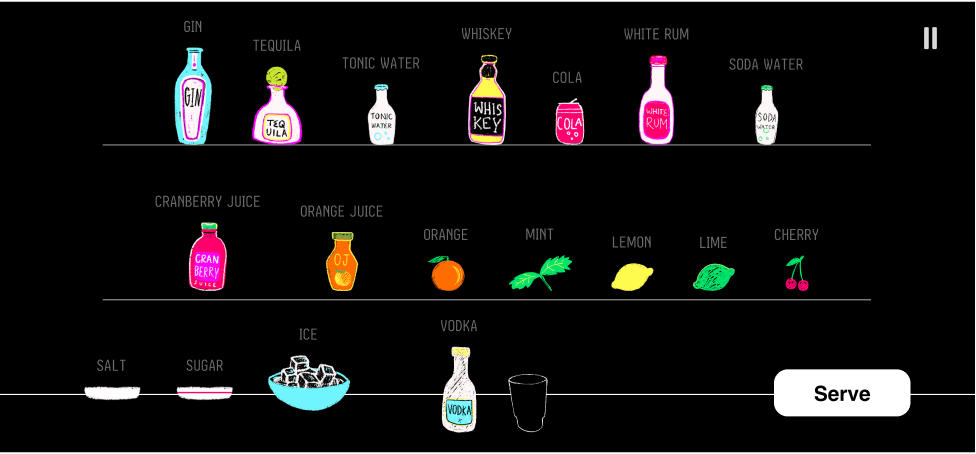
Round 1 bar screen: shelves of labelled bottles and garnishes with a Serve button
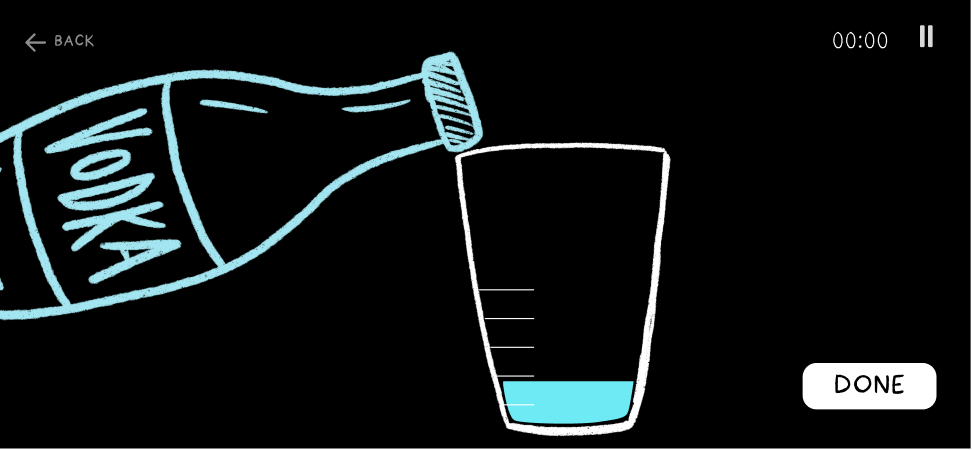
Pour screen - Adding ingredients
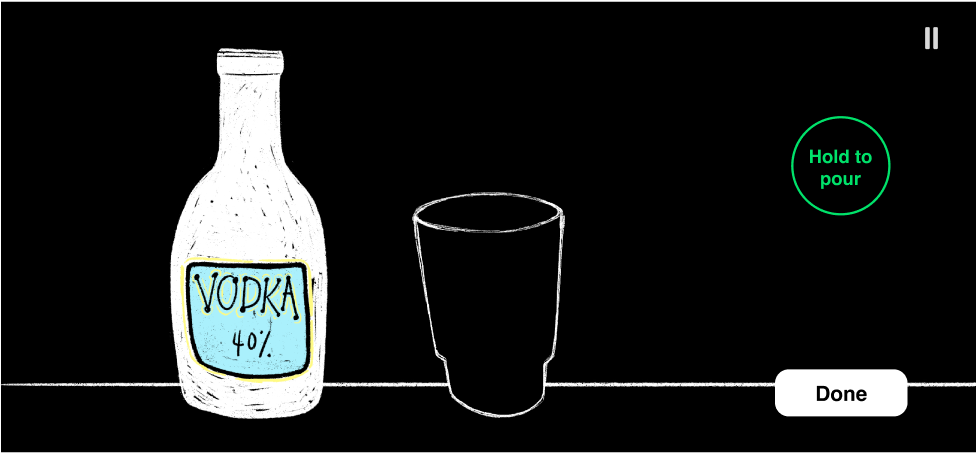
Round 1 pour screen: a bottle and an empty glass with a Hold to pour button
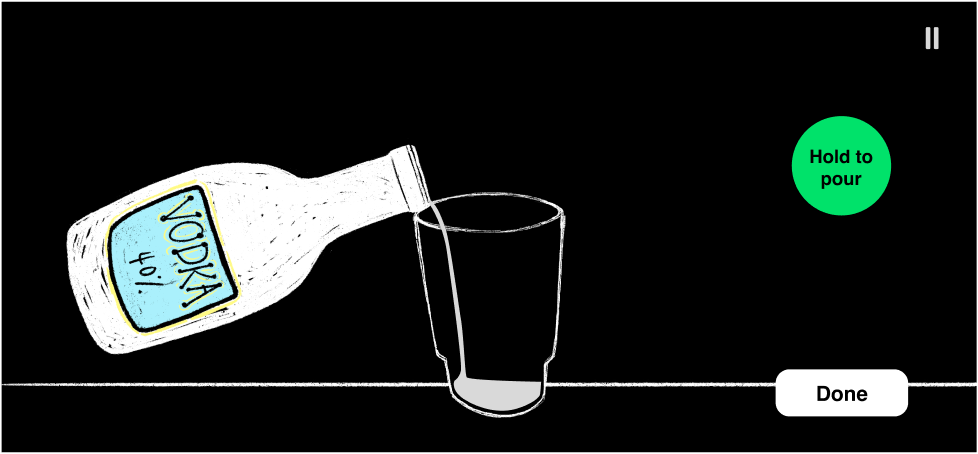
Round 1 pour screen with the vodka bottle tipped over the glass

Decisions after Round 1

What I kept:
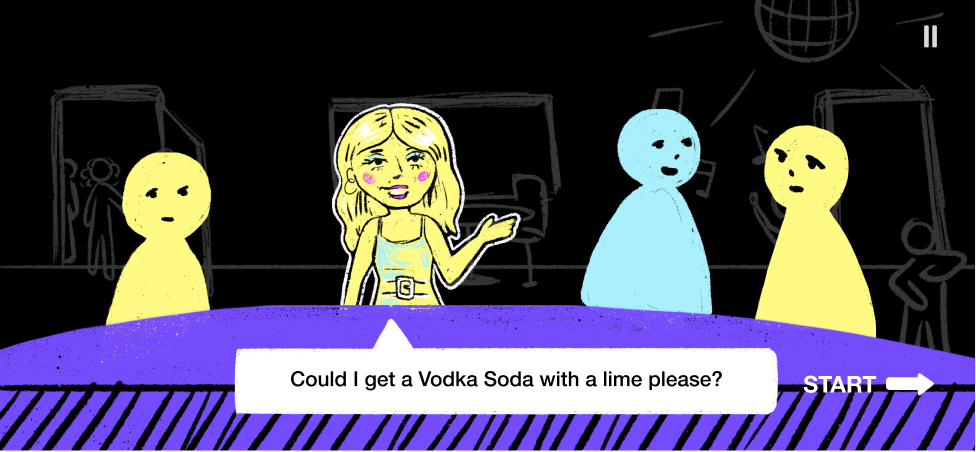
The order screen with the ordering customer drawn in detail and the waiting customers as simple shapes

I received positive feedback regarding having a visual difference between the customer who is currently ordering, and the customers who are waiting. I ended up keeping this for the rest of the game, but with a twist.

What I changed:
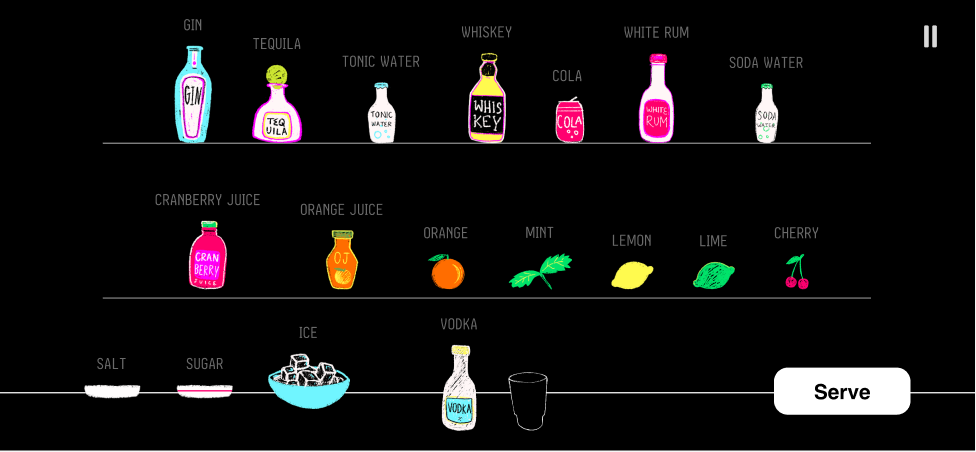
The crowded, high-contrast round 1 bar screen

The bar screen felt crowded and had a very high contrast. Looking back, the flow for choosing new ingredients to use was quite confusing, but this didn’t get addressed until round 3.

Round 2

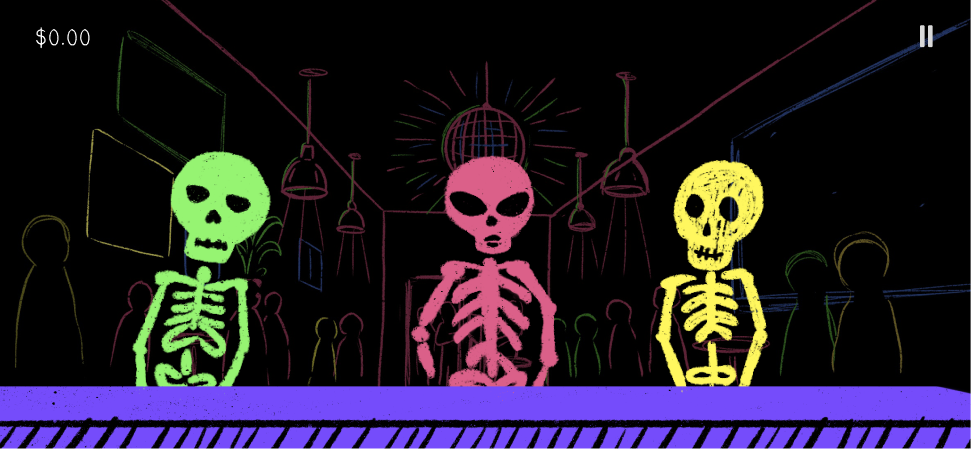
Before working on this round, I defined a concept behind the bar itself. Inspired by these 3 images pulled from my mood board, I decided that the story behind the game would be that the user has found themselves in the land of the dead as a bartender at a bar called “Bone Dry.” When talking to each of the spirits, the user is able to see the skeleton’s human form.
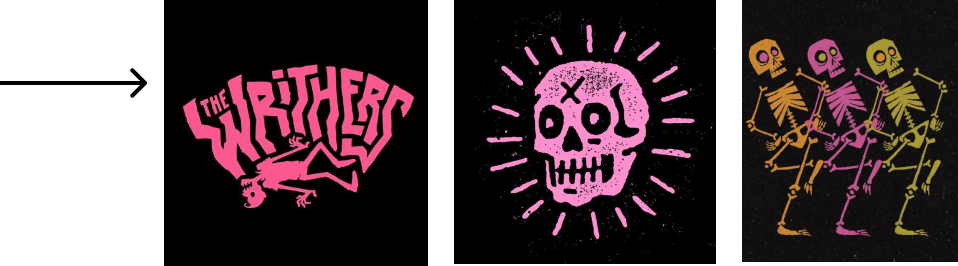
An arrow pointing to three mood board images: pink lettering, a pink skull, and neon skeletons
Bartender POV - Order taking screen
Round 2 order screen: green, pink and yellow skeleton customers at a neon bar
Bartender POV - Order taking screen
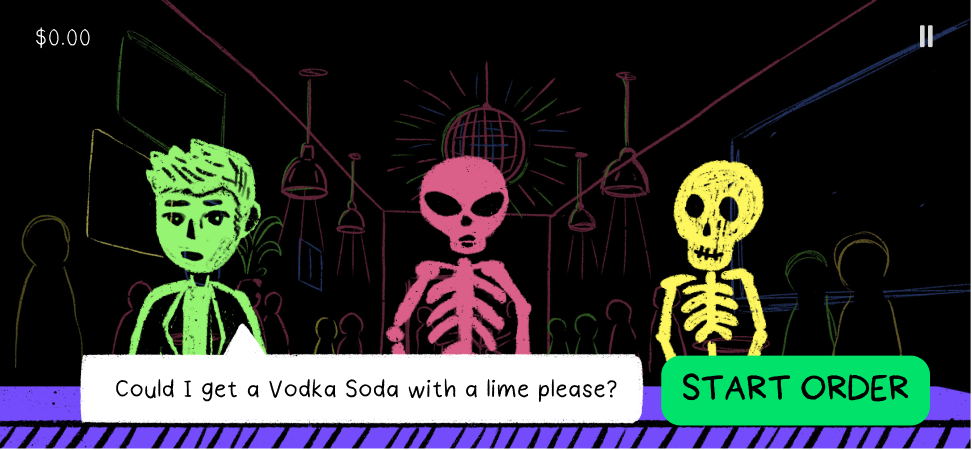
Round 2 order screen: the ordering skeleton shown in human form, asking for a vodka soda, with a Start Order button
New: Recipe card on the bar screen
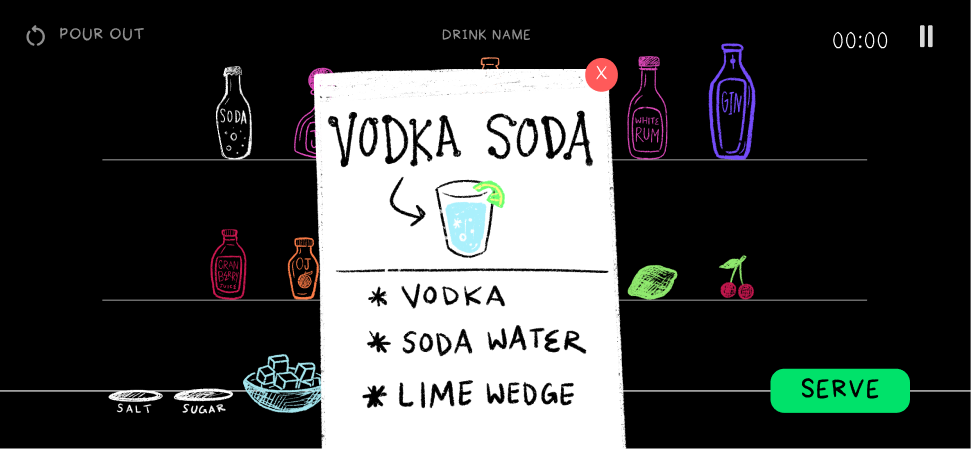
Round 2 bar screen with a handwritten Vodka Soda recipe card over the shelves
Bar screen
Round 2 bar screen: outlined bottles and garnishes on dark shelves
Pour screen mid-pour
Round 2 pour screen: the vodka bottle pouring into a glass
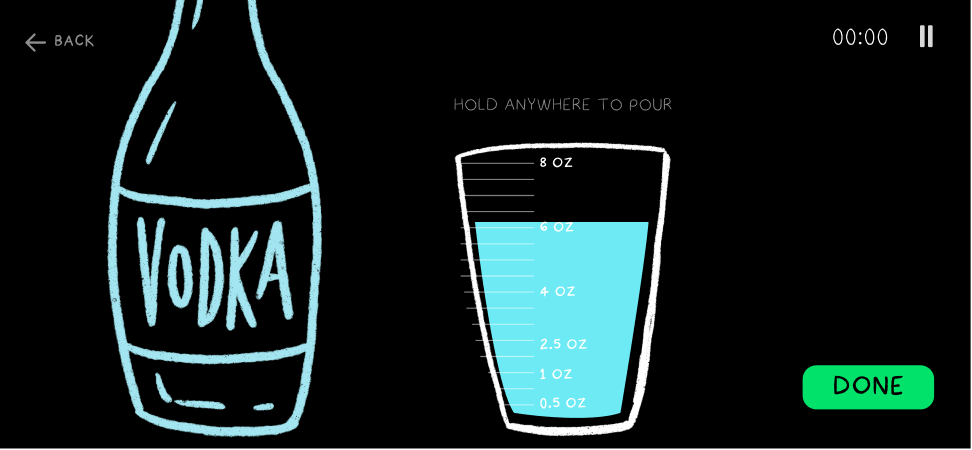
Pour screen post-pour
Round 2 pour screen after the pour, with ounce marks on the glass and a Done button
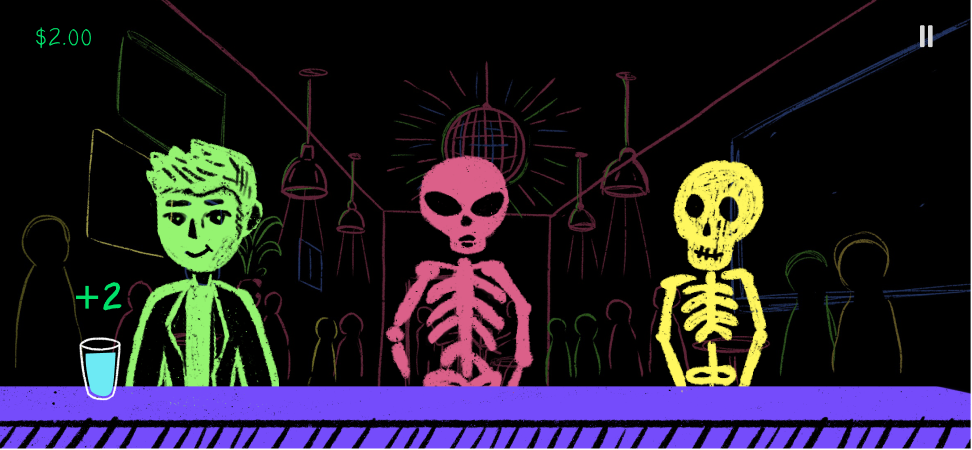
New: customer served + tip
Round 2 order screen after serving: the customer holds the drink and a +2 tip appears

One significant thing I did during round one was define the custom font set for the game. I crated each one by hand, and for specific purposes.
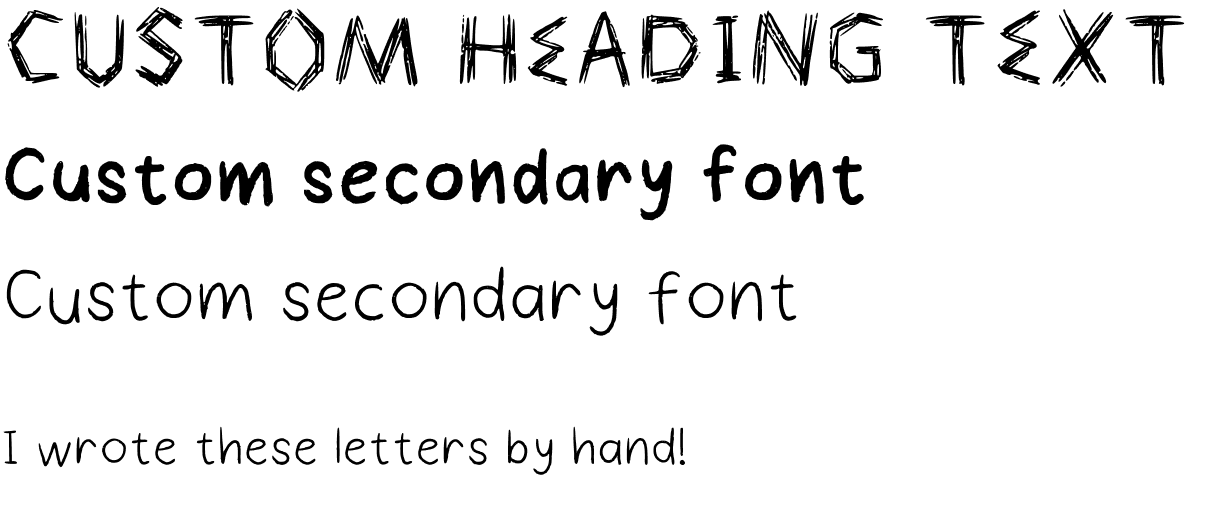
The game’s three hand-made fonts: “Custom heading text”, “Custom secondary font” in bold and regular, and “I wrote these letters by hand!”

What I changed:

The round 2 bar shelves on a black background The new bar shelves on a dark navy background with brighter bottles

The contrast was far too high and the screen was still too busy, even with the outline-only illustrations. So in the 3rd round, I refined the illustrations, adding a low opacity fill to all of the drinks. I also decided to position them in a scrollable row rather than a grid-like bar structure.
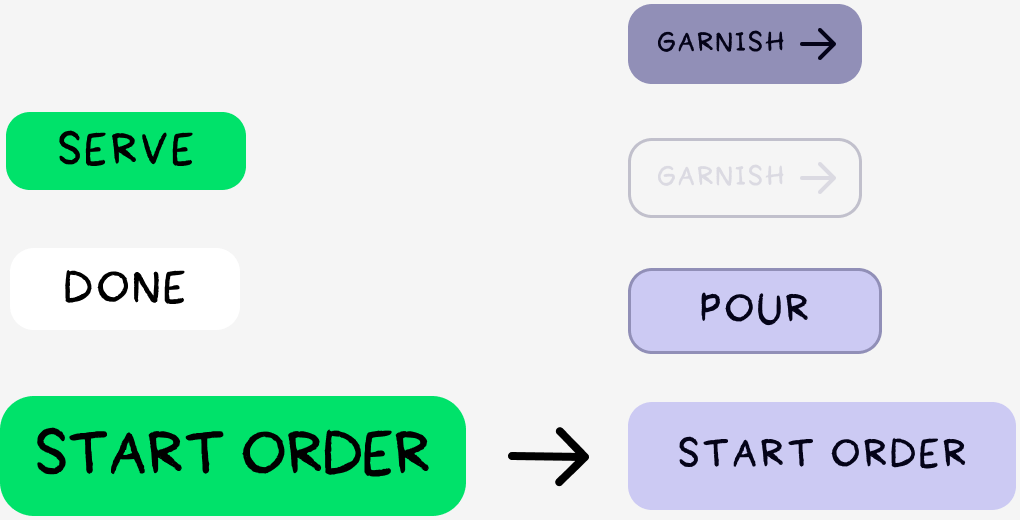
Button changes: bright green Serve, Done and Start Order buttons become soft lavender Garnish, Pour and Start Order buttons

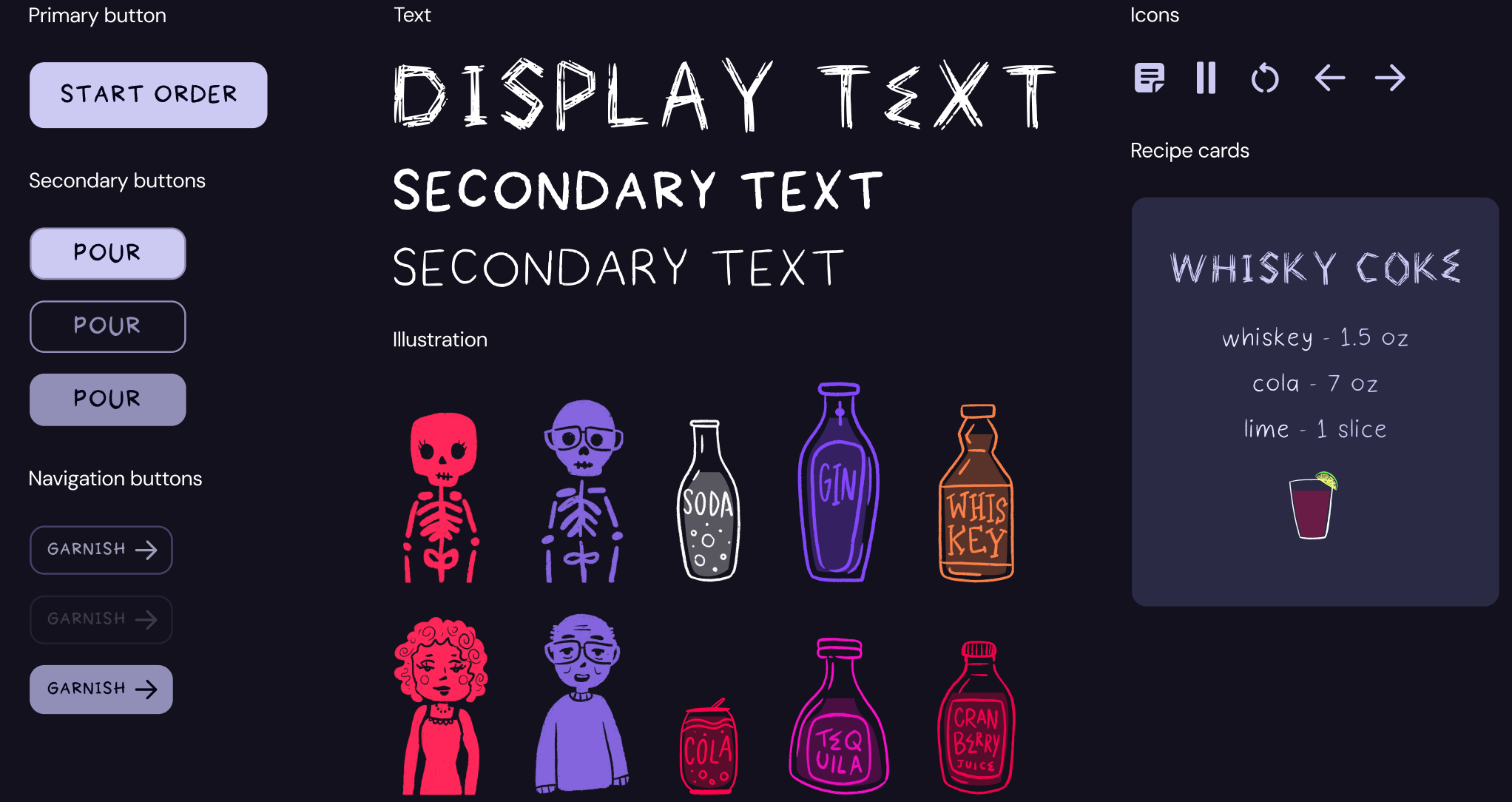
Based on round 2, I decided that I liked the overall style of the skeleton characters and illustrated look. But, I needed a design system to hold it all down. Using my custom handwriting fonts, I created a system for the buttons that maintained the style.

Round 3 - Final

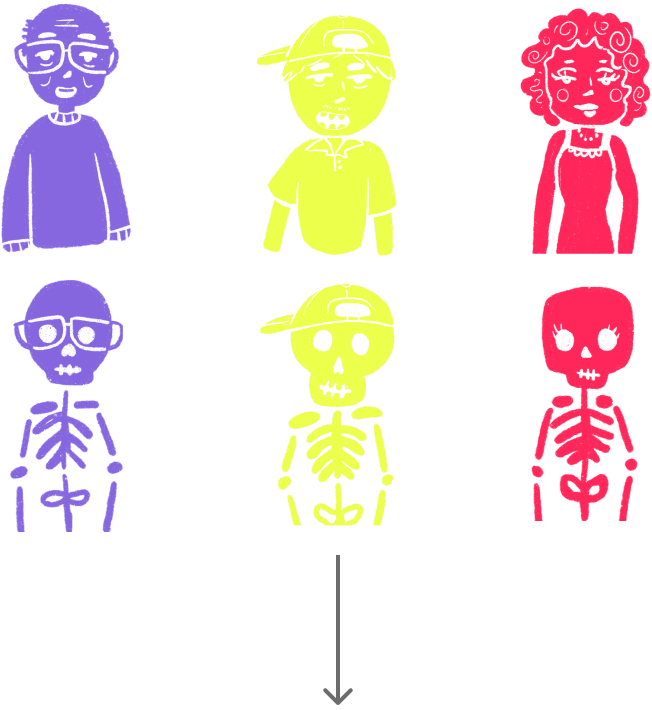
Three customers in human form above their skeleton forms, with an arrow down to the order screen
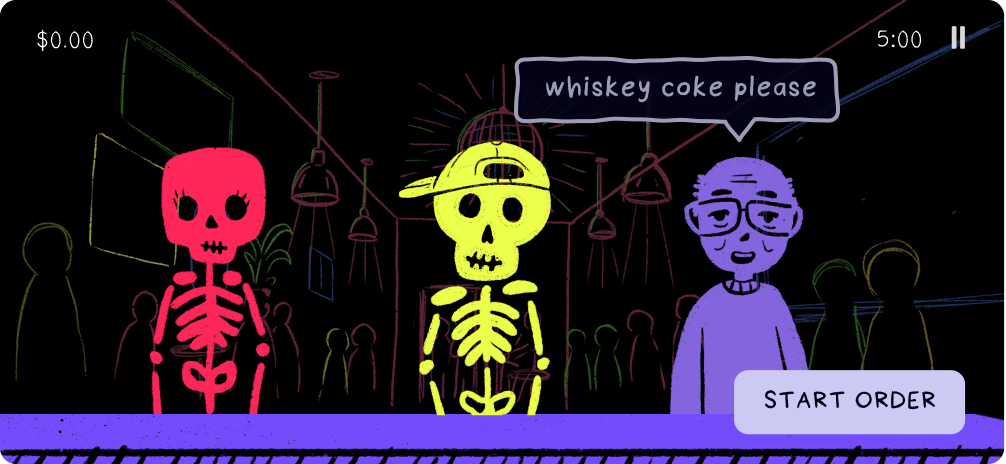
Final order screen: three skeletons at the bar, one saying “whiskey coke please”, with a Start Order button
Each character has their own speech bubble style, as well as personalities for reacting to their drink service.
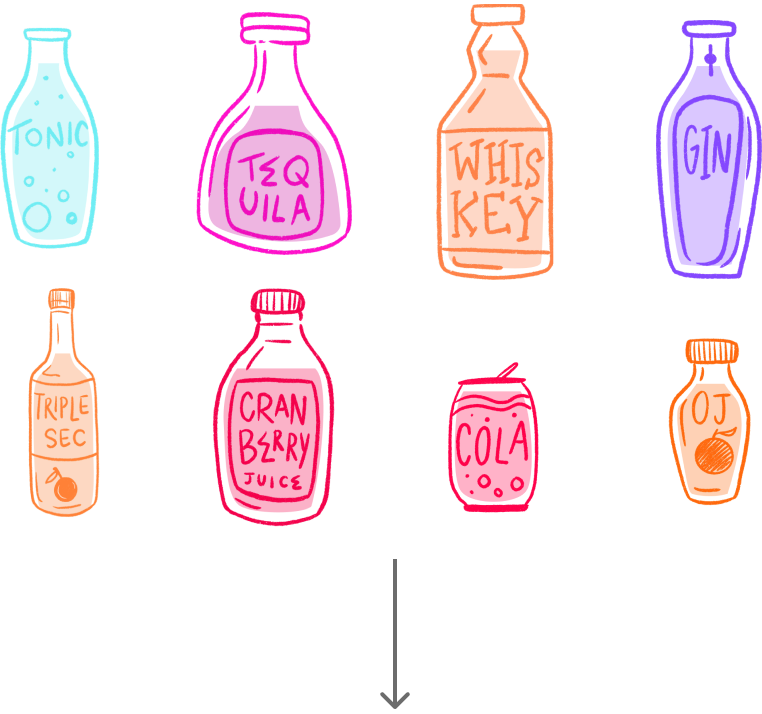
Eight redrawn bottles in bright colours, with an arrow down to the bar screen
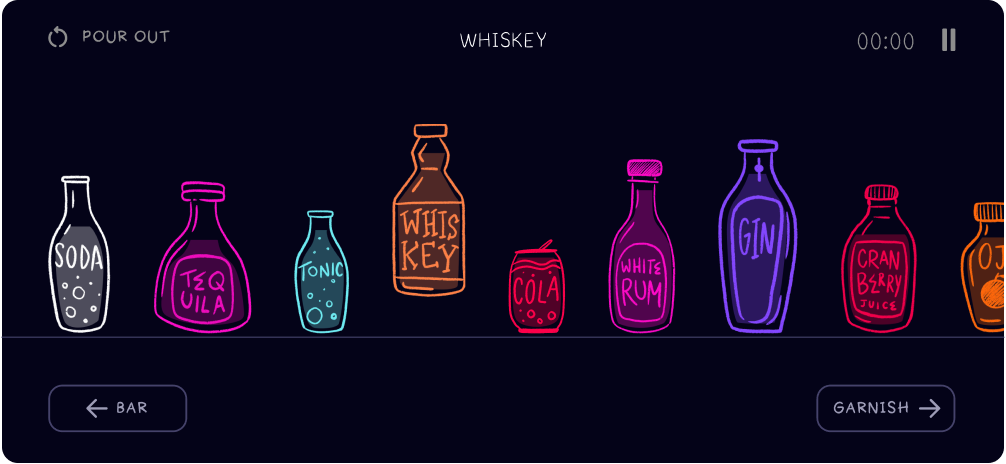
Final bar screen: a scrollable counter of bottles with Bar and Garnish buttons
The bar is now a scrollable counter. The ingredients shuffle after each customer, creating a further challenge. The ingredients hover when selected, and the center text changes accordingly.
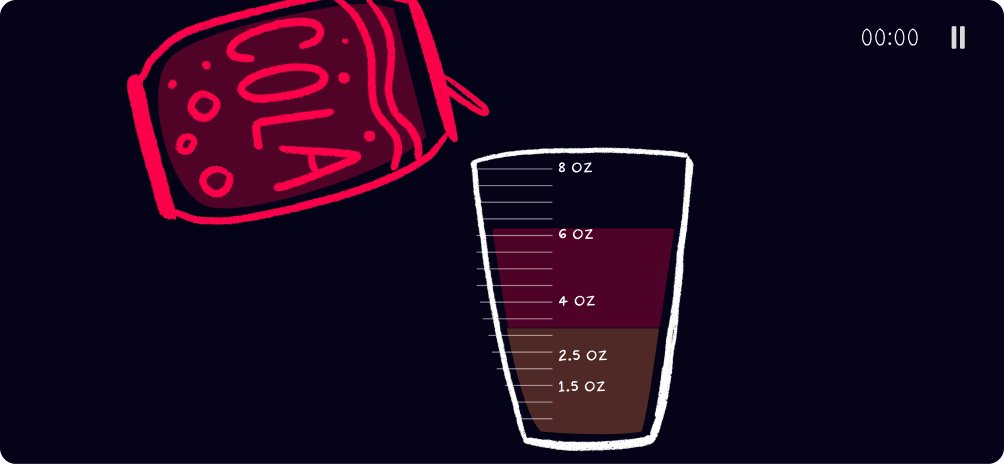
Final pour screen: a cola can pouring into a glass with coloured layers and ounce marks
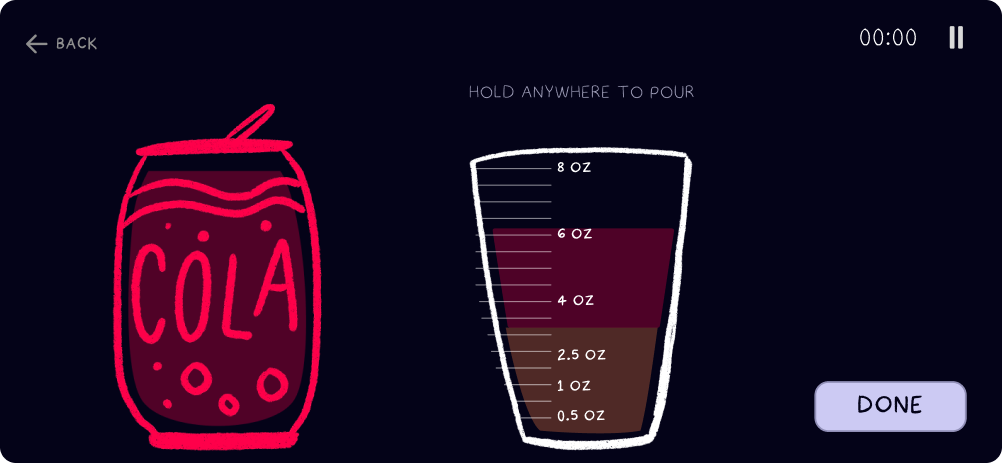
The pour screen now separates each ingredient’s pours by color, and has measurements defined by realistic proportions for cocktails in real life. During the pouring action, all controls go away besides “pause” and the timer.
Final pour screen after pouring, with a Done button
Garnish screen: the finished drink with orange, lime, mint and cherry garnishes
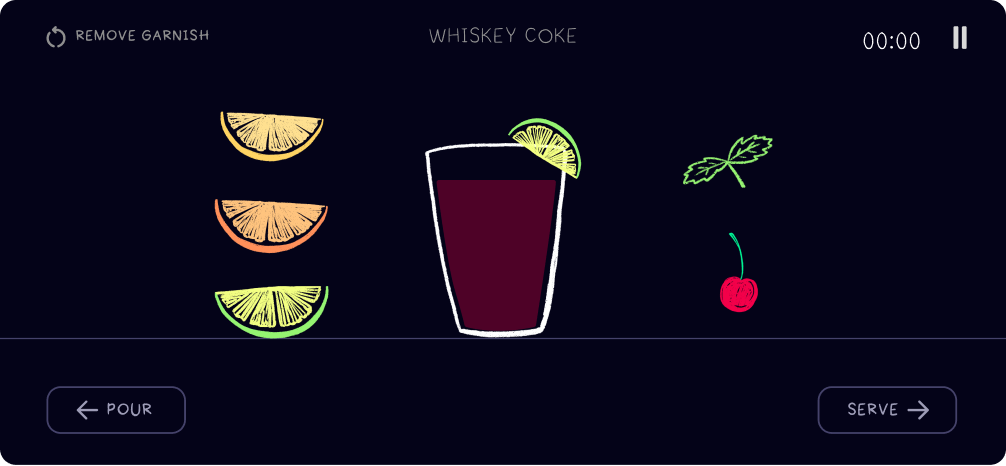
The garnish screen shows the drink post-pour (a color mixture of all its ingredient’s colors, along with 5 options to garnish. The user can either drag the garnish to the drink, or tap the garnish and tap to place.
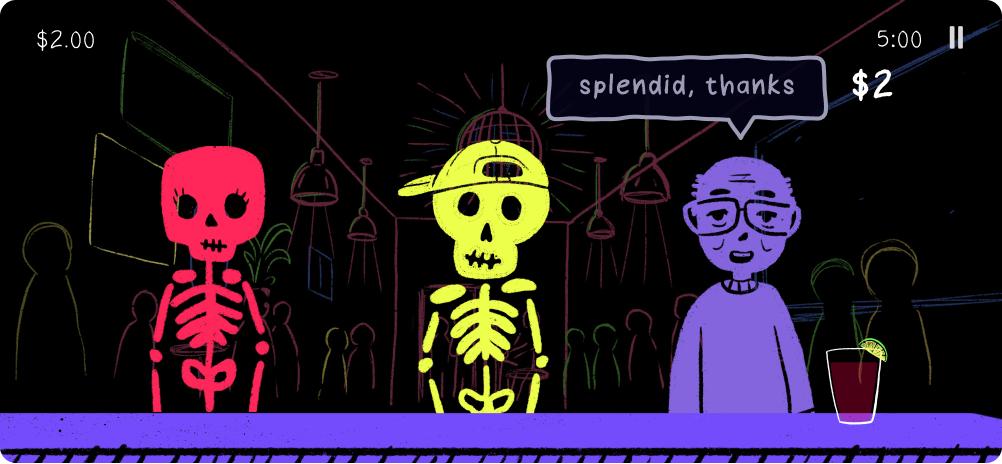
A served customer says “splendid, thanks” and tips $2
After serving a customer, they reveal their tip and give a short comment explaining why they tipped this way. The user will get further information in the “Shift Over” screen.
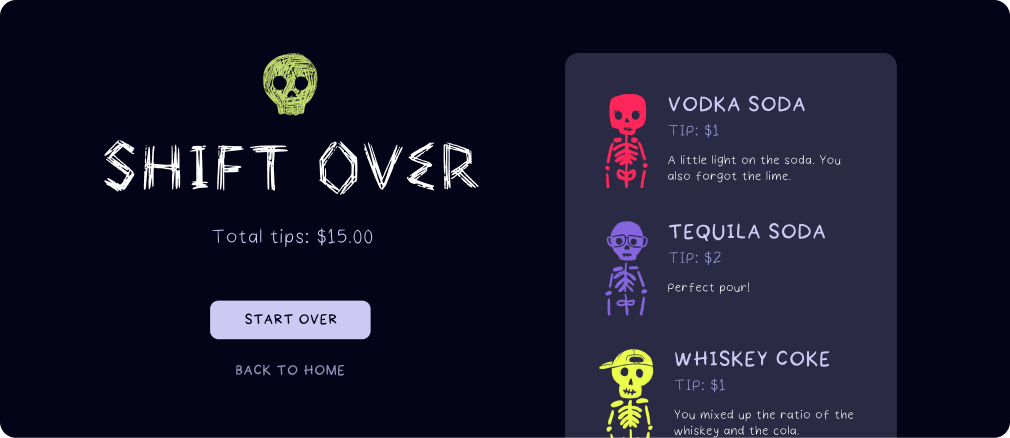
Shift Over screen: total tips of $15.00 and a list of the drinks served with their tips
The final screen of the shift is the “SHIFT OVER” screen. It shows the user the total tips they made for the shift, as well as an overview of all of the drinks they made and reasoning for why they received the score or “tip” they did.

Start screen + modes

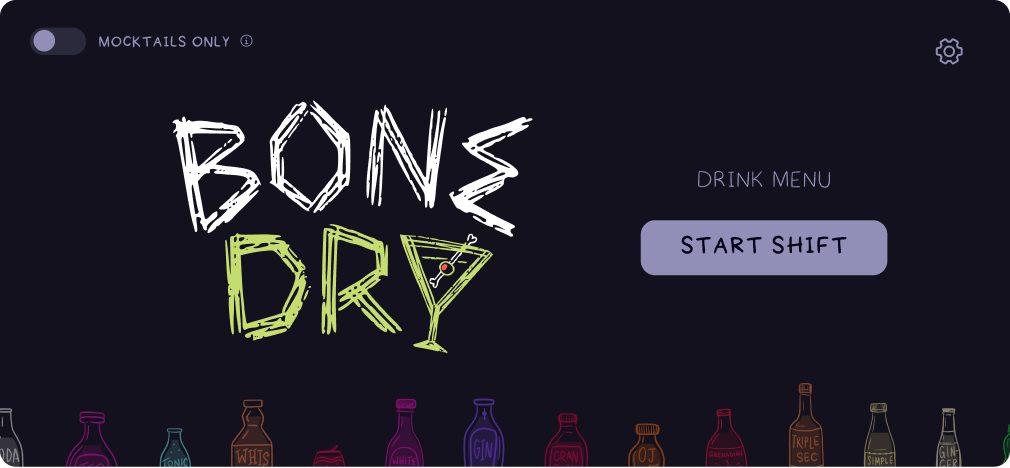
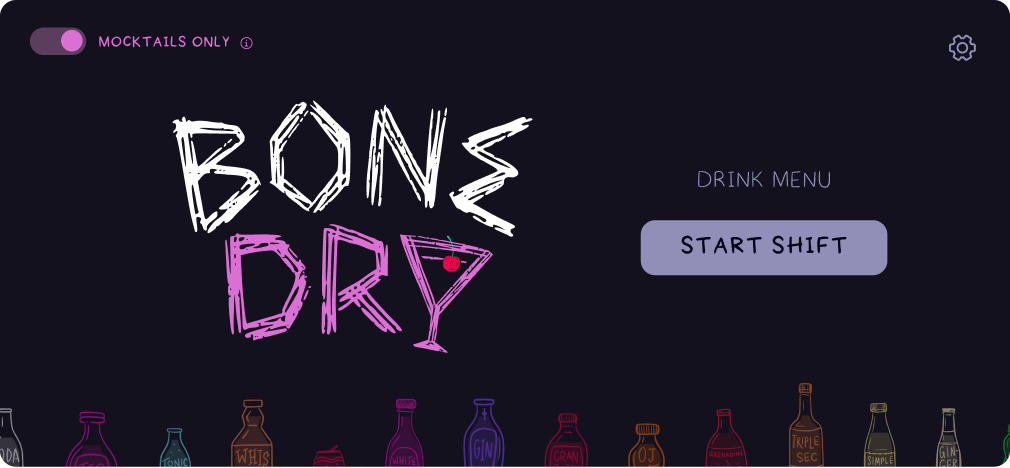
Start screen: the Bone Dry logo with Drink Menu and Start Shift, and the Mocktails Only toggle off
On the start screen, the user has the option to enter “MOCKTAILS ONLY” mode by clicking the toggle on the top left.
Start screen with Mocktails Only switched on and the logo in pink
“MOCKTAILS ONLY” being toggled on will result in customers asking for only mocktails, and spirits being removed from the bar ingredients until mocktail mode is turned off.

Design system

Bone Dry design system. Primary button: Start Order. Secondary buttons: Pour in three states. Navigation buttons: Garnish in three states. Text: display text and two weights of secondary text in the hand-made fonts. Illustration: skeleton and human customers and bottles. Icons: recipe, pause, restart, back and forward. A Whisky Coke recipe card.